
Home · Services · Electrical · St. Cloud
Osceola County · Florida
Electrical in St. Cloud, Florida
Need an electrician in St. Cloud? Start with Zarvice.
Outlets, panels, lighting, generators, and home appliances are different visits in St. Cloud. Describe what failed or what you want installed, add your ZIP code, and compare the proposed work and the price from Zarvicers who cover Osceola County.
Describe the job. Add your ZIP code. Compare offers. Choose the right option for you.
Electrical you can request
Outlets, panels, lighting, generators, and home appliances are separate visits. Describe the circuit or the appliance that failed.
- Residential electricianHome wiring and electrical repairs. Describe the circuit or the room.
- Panels, switches & lightingPanels, switches, and lighting controls. Say what does not work.
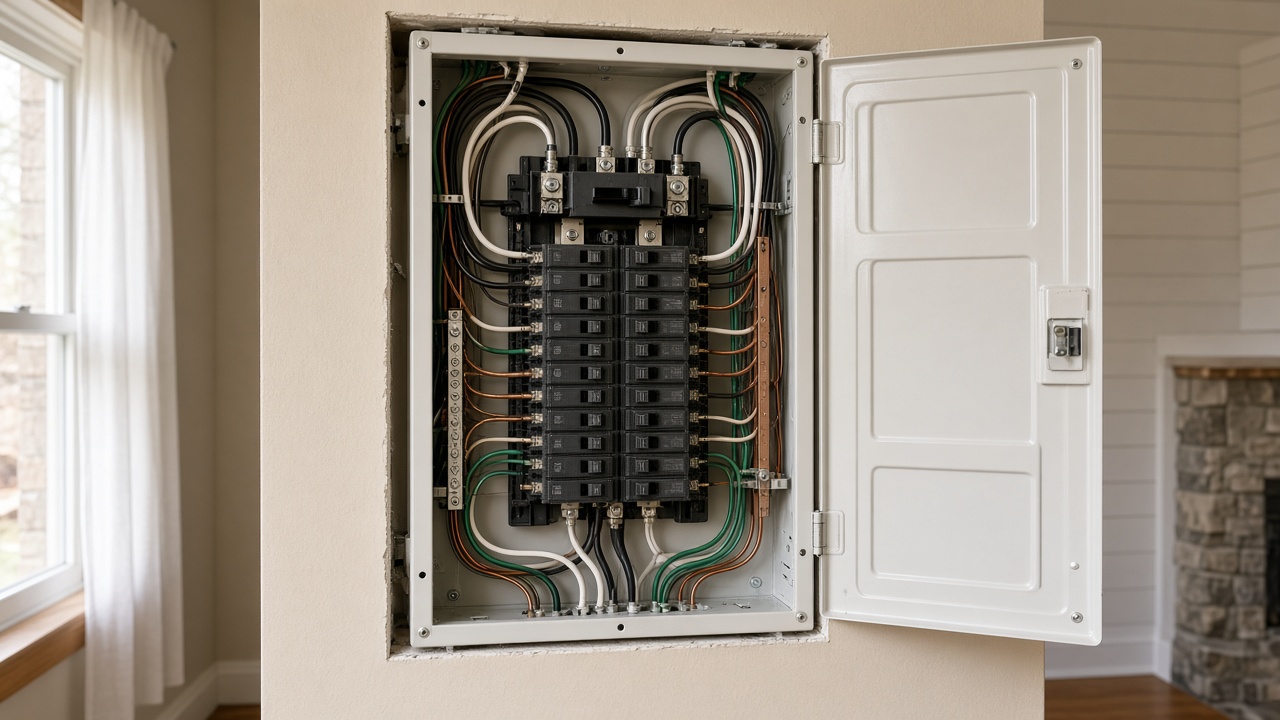
- Electrical panel upgradeAn electrical panel or breaker upgrade. Mention the current panel if you can see the label.
- Indoor & outdoor lightingIndoor or outdoor lights. Include the count and whether wiring is already there.
- Generator install & serviceGenerator installation or service. Note the fuel type if you know it.
- Home appliance repairA washer, dryer, oven, or other home appliance. Include the symptom and the brand.
The work available on your request depends on the provider’s services and coverage.
How Zarvice works
- 1. Tell us what you needChoose Electrical, describe the outlet, panel, or appliance, and add your St. Cloud ZIP code.
- 2. Receive available offersZarvicers who serve your area can respond. What you receive depends on coverage and availability.
- 3. Compare your optionsReview the proposed work and the price. Ask questions before you decide.
- 4. Choose and pay on ZarviceAccept the offer that fits, then follow the payment steps shown for that job.
Why start your electrical search in St. Cloud with Zarvice?
One place to start. Options to compare. A choice that stays yours.
- A focused request. Explain the job instead of searching through unrelated services.
- Local coverage. Your ZIP code is how the request reaches Zarvicers who serve that area.
- Informed decisions. Review the offers in front of you before choosing.
- A platform-based process. The request, the offer, and the payment steps stay on Zarvice.
Provider availability, offer details, and service coverage vary by request.
Electrical in St. Cloud and Osceola County
St. Cloud is in Osceola County. Name the room, the outlet or the panel, and whether this is a repair or a new install. Enter your ZIP code when you submit the request. That is what identifies Zarvicers who cover your location.
Sample St. Cloud ZIP codes
34769 · 34770 · 34771
Coverage depends on the area each participating provider has set. Nearby communities, including Kissimmee, can have their own page.
Questions
How do I request an electrician in St. Cloud?
Open the request in Zarvicei, choose Electrical, enter your St. Cloud ZIP code, and describe the work. You then review the offers made available to you.
What information should I include?
What stopped working or what you want installed, the room, and your ZIP code. A photo of the panel or the appliance label helps the offer.
How much does electrical cost in St. Cloud?
The price depends on the work, labor, materials, access, and whether more work is needed. Read what each offer includes before you accept. Zarvice does not publish a city price list.
Can I compare electrical offers before choosing?
When more than one Zarvicer responds, you can review those offers before accepting one.
Do I pay through Zarvice?
After you accept an offer, follow the payment steps Zarvice shows for that job. Read the terms on the screen before you pay.
Which St. Cloud areas are covered?
Coverage depends on the ZIP code, the service, and the providers who take work in St. Cloud, Osceola County. Sample ZIP codes on this page include 34769, 34770, 34771. Enter your location to see the options for your request.
Ready to request electrical in St. Cloud?
Describe the electrical job, add your St. Cloud ZIP code, and review the offers that come back. Name the room and the device, and add a photo when you have one.